

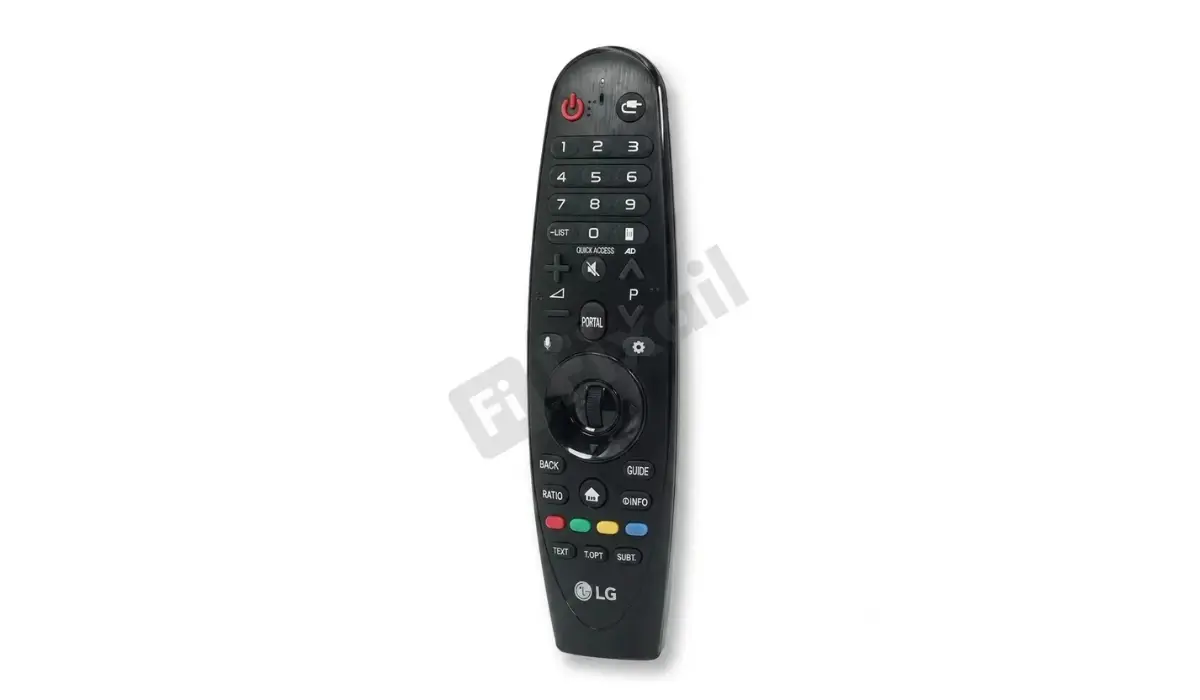
Magic Remote Controller Not Working? Here's Which LG Smart TVs Yours Actually Fits
Magic Remote Controller Not Working? Here's Which LG Smart TVs Yours Actually Fits
Is your LG remote unresponsive, missing the pointer function, or simply gone and you're now staring at replacement listings wondering which Magic Remote Controller actually fits your TV? It's a fair question, because LG doesn't use one universal remote across its Smart TV lineup. Getting the model code right before you buy is the difference between a remote that pairs in seconds and one that never connects at all.
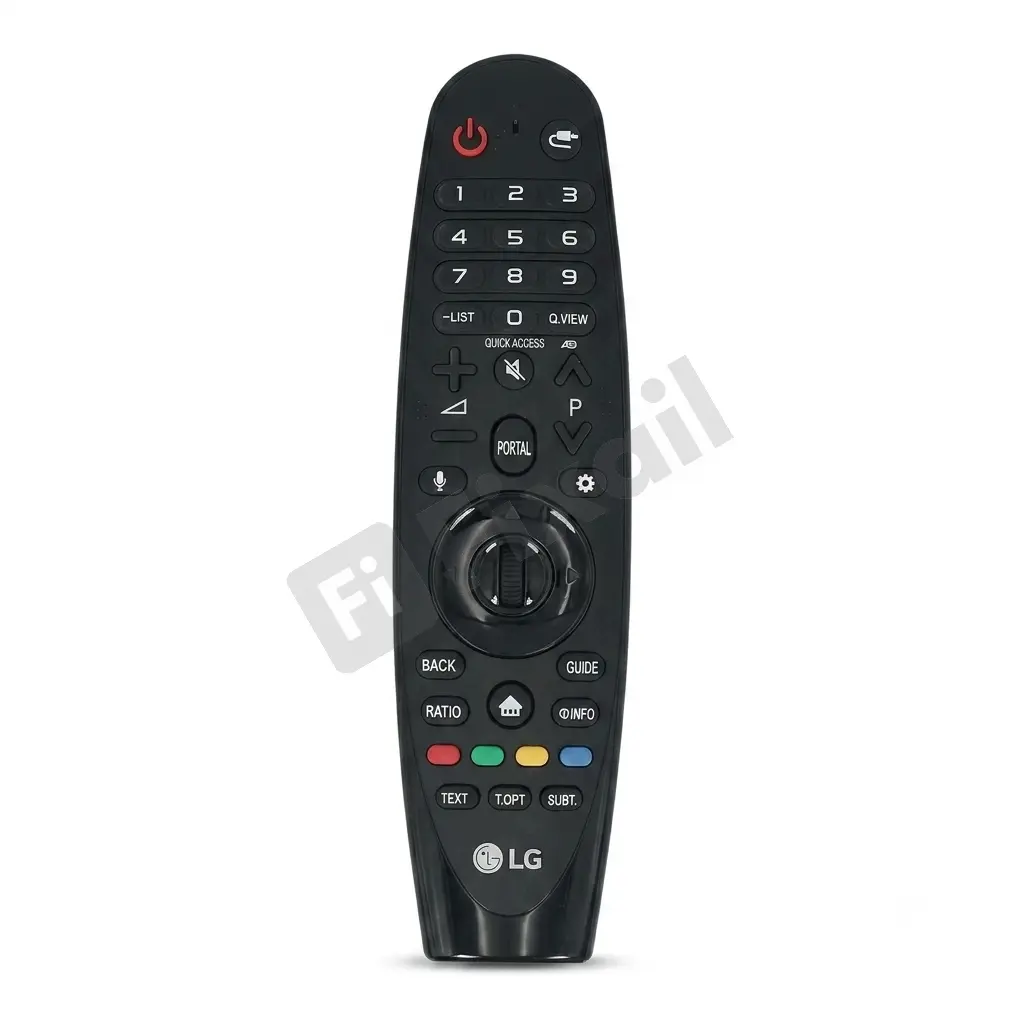
Buy LG Smart TV Magic Remote Controller Here
Why "LG Remote" Isn't Enough Information
LG has released multiple generations of Magic Remote since introducing the format, each tied to a specific TV platform version (webOS) and a matching Bluetooth pairing protocol and motion-sensor calibration. A remote built for one generation of webOS often looks nearly identical to one from a different year, but the internal pairing handshake and IR/Bluetooth signal aren't guaranteed to match. This is why searching "LG remote" alone isn't enough; the exact model code, not the TV brand or screen size, is what determines whether a replacement will actually work.
What a Magic Remote Controller Actually Does
Beyond basic volume and channel controls, LG's Magic Remote line is built around point-and-click motion control, a scroll wheel for navigation, and voice command support on newer models. This added functionality is precisely why compatibility matters more here than with a standard remote the motion sensor and voice module are calibrated to work with a specific webOS version, so a mismatched remote may power the TV on but fail at the features that make it a "Magic" Remote in the first place.
How to Find the Right Magic Remote Controller for Your TV
- Check your TV's model number on the sticker on the back panel — this tells you which webOS generation your TV runs.
- Locate the code on your current remote, if you still have it (even broken), usually printed on the battery compartment inside.
- Check your TV's settings menu under "About This TV" or "Support," which often lists the currently paired remote model.
- Cross-reference the replacement listing's compatibility notes against your TV's model number before ordering; don't rely on button layout alone, since design carries over across multiple generations.
Common Mistakes When Buying a Replacement
- Assuming screen size determines the remote: It doesn't. Compatibility is tied to TV generation/webOS version, not display size.
- Matching by appearance only: Several Magic Remote generations share a near-identical shape, making visual comparison unreliable on its own.
- Buying "universal LG remote" listings without a stated compatibility range; these often lack full Magic Remote functionality like the pointer and voice features.
- Skipping the model number check because it feels like an extra step; this single check prevents almost every mismatched-remote return.
A Practical Tip From Experience
Even with a correctly matched Magic Remote Controller, first-time pairing sometimes doesn't happen automatically, particularly if your TV has received a firmware update since its original release. If a new remote powers the TV on but the pointer or voice function doesn't respond, try a manual re-pair: point the remote at the TV and hold the OK button for a few seconds. This resolves the issue far more often than people expect, and it's worth trying before assuming the remote is faulty.
Why Buy Your Magic Remote Controller From Fixail Spares
At Fixail Spares, every Magic Remote Controller listing includes clear compatibility details tied to specific LG TV model ranges, rather than vague "universal LG remote" claims. That means you can check your TV's model number once and know exactly which listing matches, with support available if you're still unsure before ordering. Getting this right the first time avoids the return-and-reorder cycle that generic remote listings often create.
Frequently Asked Questions
How do I know which Magic Remote Controller fits my LG TV?
Check your TV's model number on the back panel sticker or in the settings menu under "About This TV," then match it against the compatibility range listed on the remote's product page.
Can I use a newer Magic Remote Controller on an older LG TV, or vice versa?
Not reliably. Pairing protocols and sensor calibration change across webOS generations, so a remote built for a different TV generation may not connect properly, even if it looks the same.
My replacement remote turns the TV on, but the pointer doesn't work. Why?
This is often a pairing issue rather than a faulty remote. Try a manual re-pair by pointing the remote at the TV and holding the OK button for a few seconds.
Is a "universal LG remote" the same as a Magic Remote Controller?
Not usually. Universal listings often support basic functions like power and volume but may not include the pointer, scroll wheel, or voice features that a genuine Magic Remote Controller offers.